

Fleet operations
From a national fleet to one unit
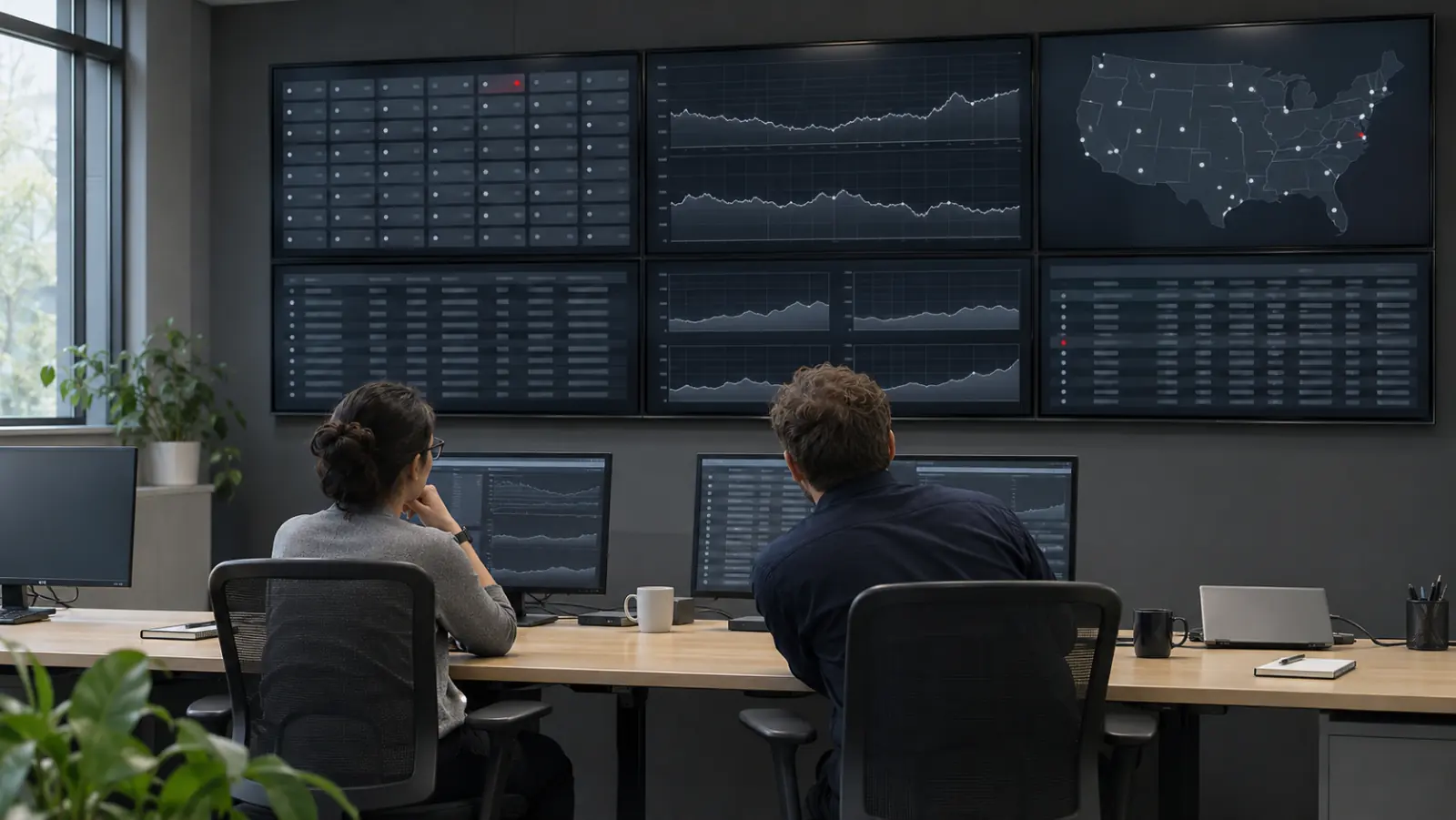
Fleet Manager schedules changes across properties and shows site staff which occupied units need attention.
Roll out an upgrade
-
Choose sites
Group gateways by region or customer, then check their status and property health.
-
Schedule upgrades
Apply a configuration template, schedule the upgrade and track which sites succeed.
-
Control site access
Role-based dashboards and a controlled proxy limit each operator to permitted sites.
Find the affected unit
Both building uplinks are healthy, yet an occupied unit’s access point (AP) is offline.
The property manager, operations center and owner each see the details their role permits.
Investigate Unit 808 with the assistantProperty health92Healthy with open issues
Access points online204 / 2272 offline in occupied units
Fiber boxes online152 / 153
Unit 808 AP
Since SaturdayOffline
Garage level 3 fiber box
Since 2:14 AMOffline
Both uplinksUp